How to Connect a PLC to the Cloud without port forwarding
Discover the secure architecture to send data from local PLCs to the public cloud without exposing your OT network to ransomware attacks.

Hassle-free automation?
Checklist: 10 Steps to Digitize Your Plant
Avoid costly implementation errors
The dilemma of bringing shop floor data to the cloud #
The promise of Industrial IoT is simple: centralize all your machine information in the cloud for global visibility. However, when engineers try to connect a traditional [PLC](/en/glosario#plc) (Siemens S7, Allen-Bradley, Omron) to services like AWS or Microsoft Azure, they hit a technical and cybersecurity wall.
PLCs were not designed for the modern internet. They speak old, unencrypted protocols like [Modbus](/en/glosario#modbus) RTU/TCP or Profinet. Connecting these devices directly to the plant's internet router is the equivalent of leaving a bank vault wide open in the middle of the street.
Digitize your Plant with iGromi
Book a 30-min demo and discover how to increase your productivity.
The Correct Architecture: The Edge-to-Cloud Pattern #
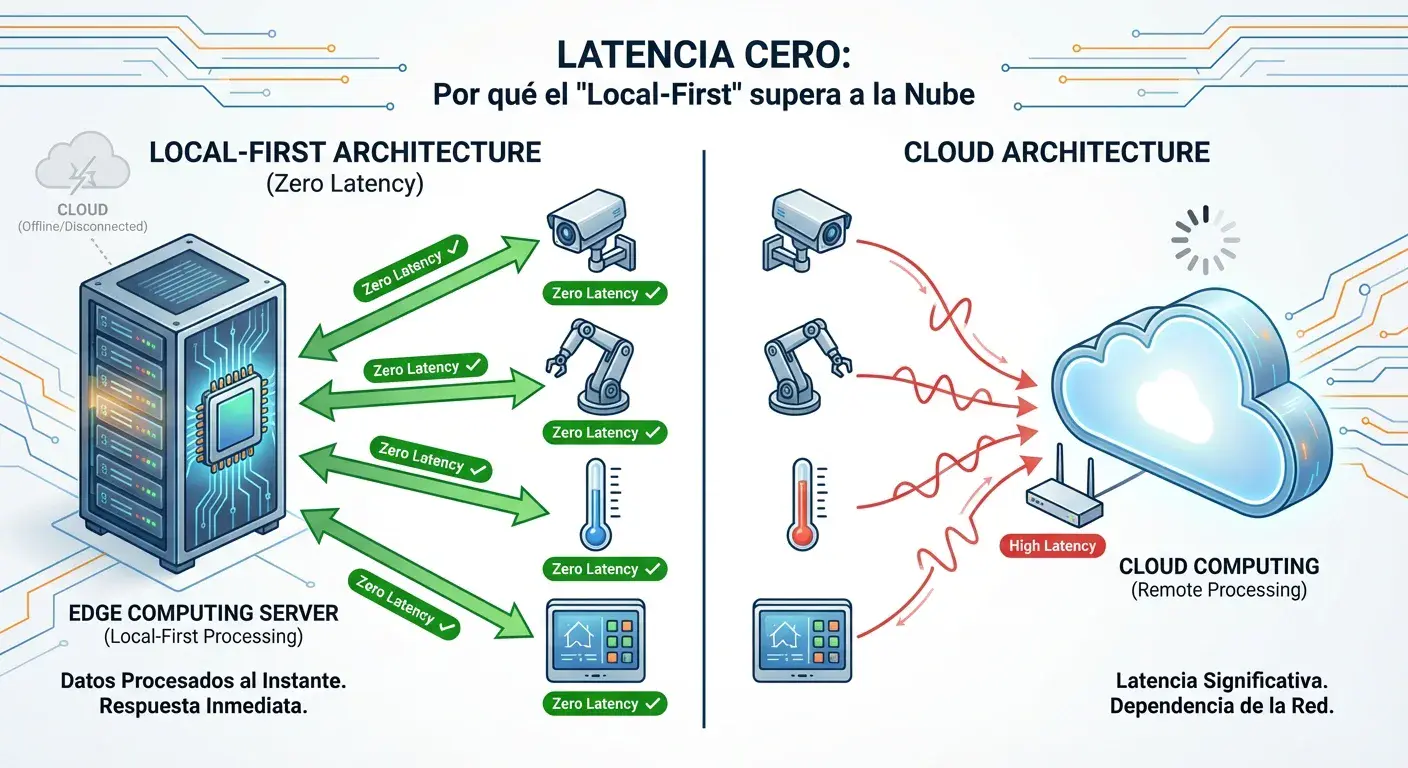
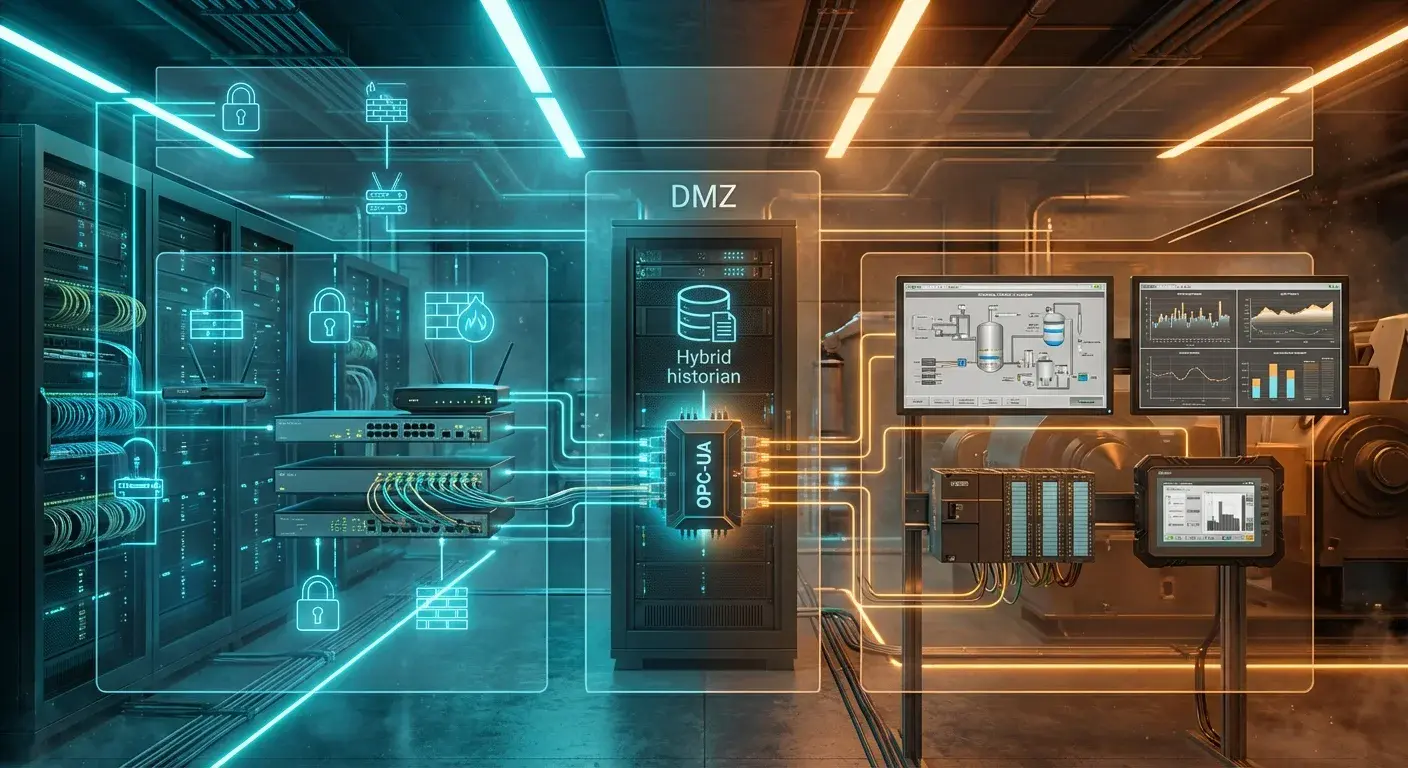
To connect a PLC to the cloud securely, you need an intermediate barrier called an [Edge Computing](/en/glosario#edge%20computing) Gateway. This device acts as both a translator and a physical Firewall.
Step 1: Local Acquisition (Modbus to MQTT)
The Gateway (for example, the iGromi Bridge) physically connects to the PLC via a serial cable (RS-485) or through the plant's isolated LAN network. The Gateway extracts the information in the machine's original language passively, without altering its programming.
Step 2: Translation and Buffering
Inside the Gateway, software like Node-RED or iGromi OS normalizes those raw data points and converts them into lightweight JSON packets, ready to travel via the [MQTT](/en/glosario#mqtt) protocol. If your factory internet goes down, the Gateway stores the data locally (Buffer) so not a single second of production is lost.
Step 3: Outbound-Only Connection
Here lies the secret of industrial cybersecurity: The Gateway never accepts incoming connections from the outside. It is the one that initiates a secure connection (TLS 1.2 or a WireGuard VPN tunnel) out to the cloud. This way, your corporate firewall remains closed to intruders, but the PLC data flows continuously to your remote server or Dashboard.