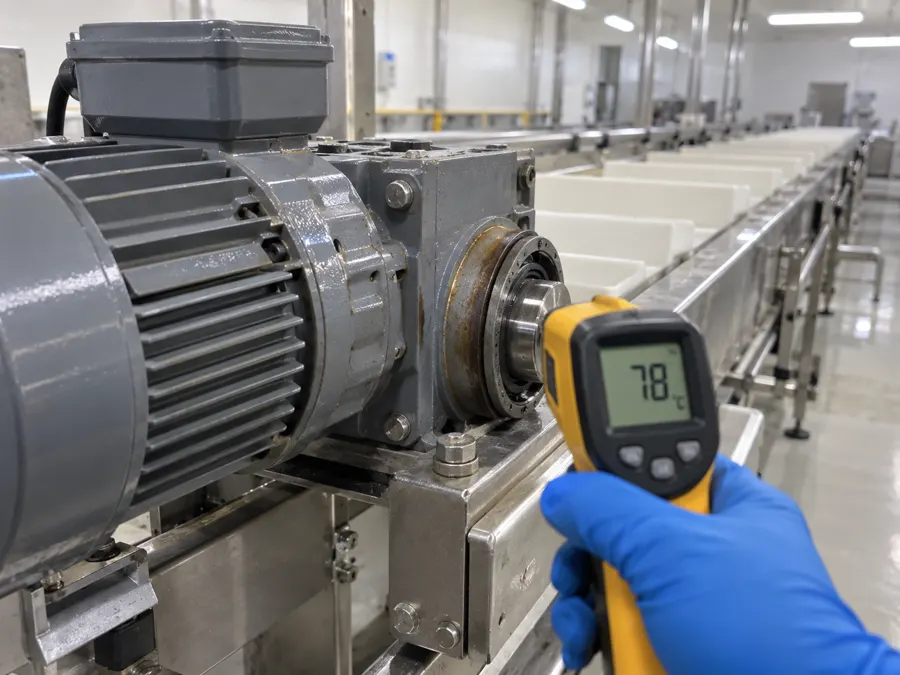
Danfoss VLT AutomationDriveManual, data sheet and how to read its data
Two things on one page: where the official manufacturer documentation lives and, below, the integration sheet (where data comes out of this unit and which protocol it speaks), which the manual never sums up anywhere.
Official manufacturer documentation
We do not host third-party manuals: the right version is always the manufacturer's, who also updates the PDFs when the firmware changes. This link takes you to the Danfoss VLT AutomationDrive document catalog.
Danfoss · VLT AutomationDrive FC 301 / FC 302Where the data comes out
- Built-in RS-485
- Terminals 68 (P/+) and 69 (N/-). Speaks the native FC protocol and Modbus RTU.
- PROFIBUS / PROFINET / EtherNet IP
- Through an optional fieldbus card in slot A.
Parameter numbers and register maps change between firmware versions, so those belong in the manufacturer manual, not in this table. Always confirm the exact part number in your panel.
What you can read without rewiring the panel
The drive provides current, frequency, estimated torque, run hours and the alarm log. Confirm baud rate, parity and address on the panel before connecting the master.
- 1Identify the exact part number and firmware: within one family there are models with Ethernet and models with only a serial port.
- 2Write down the communication parameters already loaded (baud rate, parity, slave address). Changing them to experiment is what takes a production line down.
- 3Read in query mode, with the equipment running. iGromi only reads: it does not write to the device or change its parameters; if a value suggests an adjustment, a person decides.
- 4Store each value with its timestamp and context (shift, order, operator). A bare number will not tell you later why the machine stopped.
When the unit is not alone
Reading one VLT AutomationDrive is a short job. The problem starts when the plant has fifteen units from six brands, each with its own protocol and wiring. The iGromi Bridge speaks Modbus RTU and TCP, OPC UA, BACnet, CANopen and MQTT on the same node, and when a unit's parameters are unknown it finds them by trying combinations until it communicates. Always read-only.
Other variable frequency drives
Safe industrial AI, starting free from the app.
The app gathers what your team knows: each trade with its helpers, and @igromi answers citing the source. AI reads, proposes and cites; a person decides. When you add systems and equipment, the Edge reads PLCs in read-only mode.
- AssetsPLCs, sensors, cameras, GPS
- SystemsSAP, ERP, MES, SCADA, spreadsheets
- PeopleOperators and managers: judgment and fixes
No credit card. Your data stays yours.