Production counting · Vision on CCTV
Production counting with the cameras you already have
The problem
Why does the production count not match the ERP?
Counts are done by hand or estimated at close, taken at different points, scrap goes unrecorded and the data reaches the ERP late and keyed in by hand. Every department is right about its own number.
Counting on the line, time-stamped, and sending that number straight to the ERP fixes the first and last causes, and exposes the other two.
How it works
From the security camera to the ERP, in four steps
Step 1 of 4
The camera already there
An IP security camera that sees the point where product passes. Its video is taken over the network (RTSP or ONVIF), without moving it or changing its recording.
Requirements
What you need to count with your cameras
Almost always, what the plant already has. Anything missing shows up in one site visit.
IP camera with network video
Detail
Note
A view of the point where product passes
Detail
Note
Network between the camera and the edge
Detail
Note
A place for the industrial computer
Detail
Note
A reference to validate against
Detail
Note
| What | Detail | Note |
|---|---|---|
| IP camera with network video | RTSP or ONVIF. Common security cameras support it | The one already there, if it sees the counting point |
| A view of the point where product passes | No permanent obstructions; no special lighting needed | At Proa, the farm camera just as it was |
| Network between the camera and the edge | Cable or a stable link inside the plant | No internet needed to count |
| A place for the industrial computer | Rack, panel or electrical room with power | One can serve several cameras |
| A reference to validate against | Manual count, shipping note or machine counter, for one or two weeks | That is how Proa's 99 % was measured |
What it does
- Counts units per line, hour and shift
- Detects when the line stopped because product stopped passing
- Delivers the number to the ERP, the app and an API
- Keeps counting with no internet
What it does not promise
- Detecting defects without a labeled image set of your product
- Counting what the camera cannot see
- Deciding for you: it delivers the number with its source
Proof
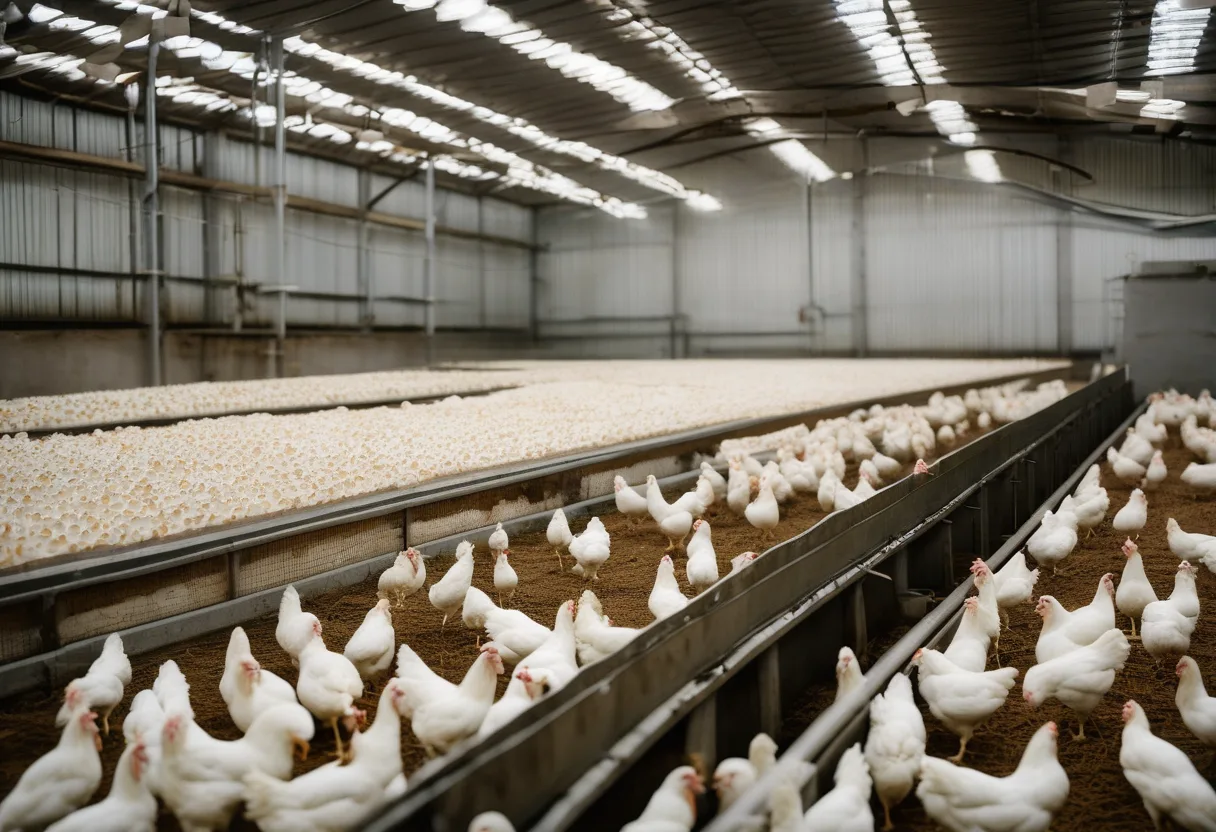
Grupo Proa: the data that arrived a week late
99 %
measured against manual count
19
cameras already in place
6
farms
2+ years
in production
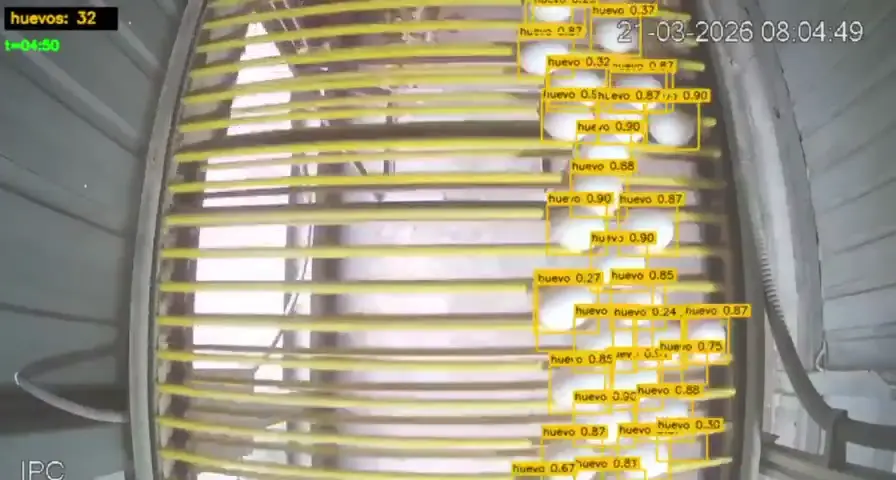
They counted by hand at 17 points, with 5 % to 15 % deviation, and matching the count to the batch took a week. Today the count reaches SAP in real time.
In the app
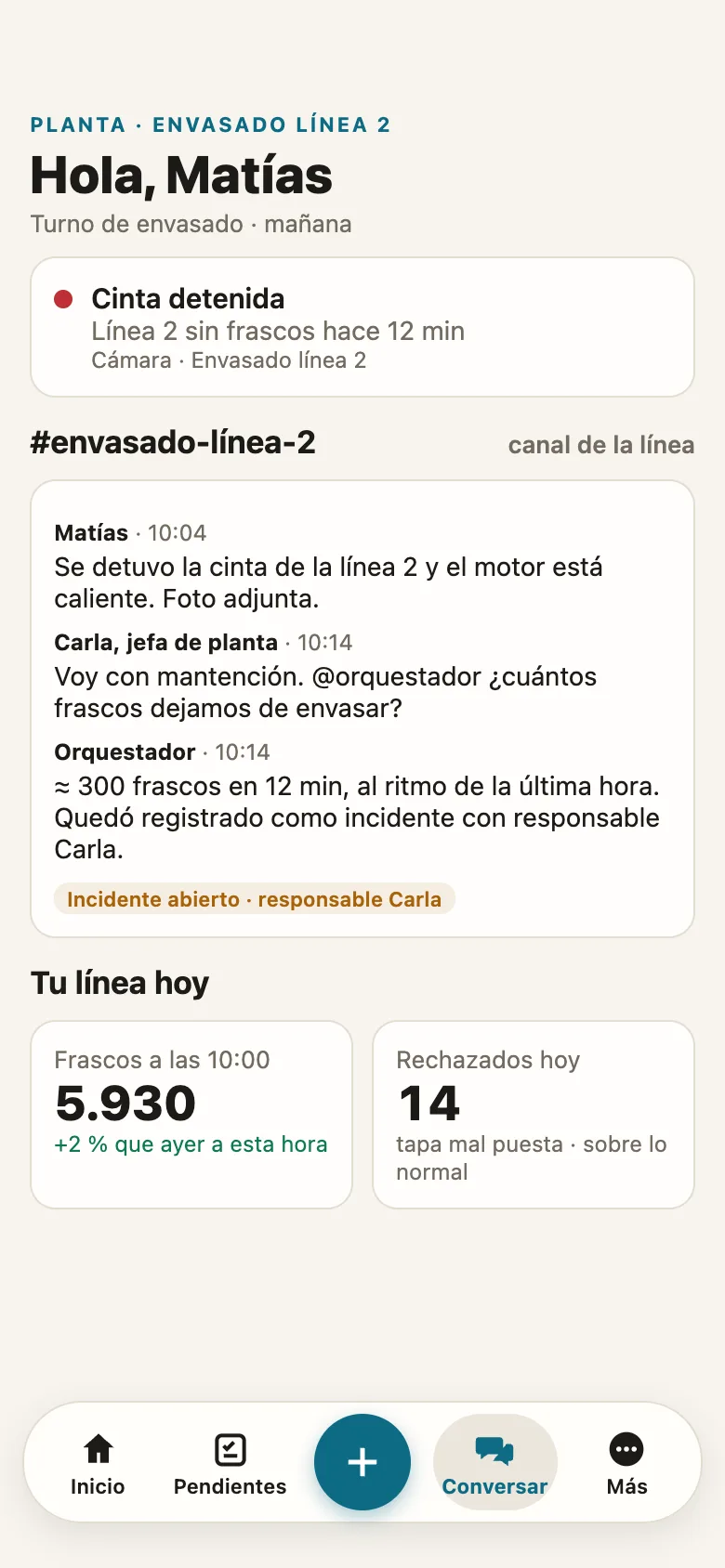
What the shift sees when the camera counts
The app is free during early access. Camera counting requires the edge in the plant.
Your data
Video never leaves the plant
Counting runs on the edge, inside the plant. What goes up to the cloud depends on the plan you choose.
iGromi cloud, separated per company
The shift app: chat, photo and voice records, and AI that answers with its source.
A private, isolated cloud for your company
Adds SAP, ERP and spreadsheets. The AI model runs inside that cloud.
Inside your plant, on Edge or on-premise
Adds PLCs, sensors and cameras. The Edge reads the PLC read-only and keeps measuring offline.
FAQ
Camera counting FAQ
Does it work with any security camera?
How accurate is counting with existing cameras?
Why does the production count not match the ERP?
How does it avoid counting the same unit twice?
Can it count by product and by shift?
Does the video leave the plant?
Does it integrate with SAP or another ERP?
Does it detect quality defects?
Keep reading
Related cases and guides
Every shift without a record is data you lose. Start free.
- 1Request early access, free
- 2Pick your trade: maintenance, production or safety
- 3Your team starts with the chat and its trade helper
No credit card. Your data stays yours.