TechnologyJan 20, 2026
Automatic Product Counting with Computer Vision: 2026 Guide
Still counting boxes by hand? Industrial computer vision reduces counting error; at Grupo Proa we measured 99% against manual counts. Technical implementation guide.

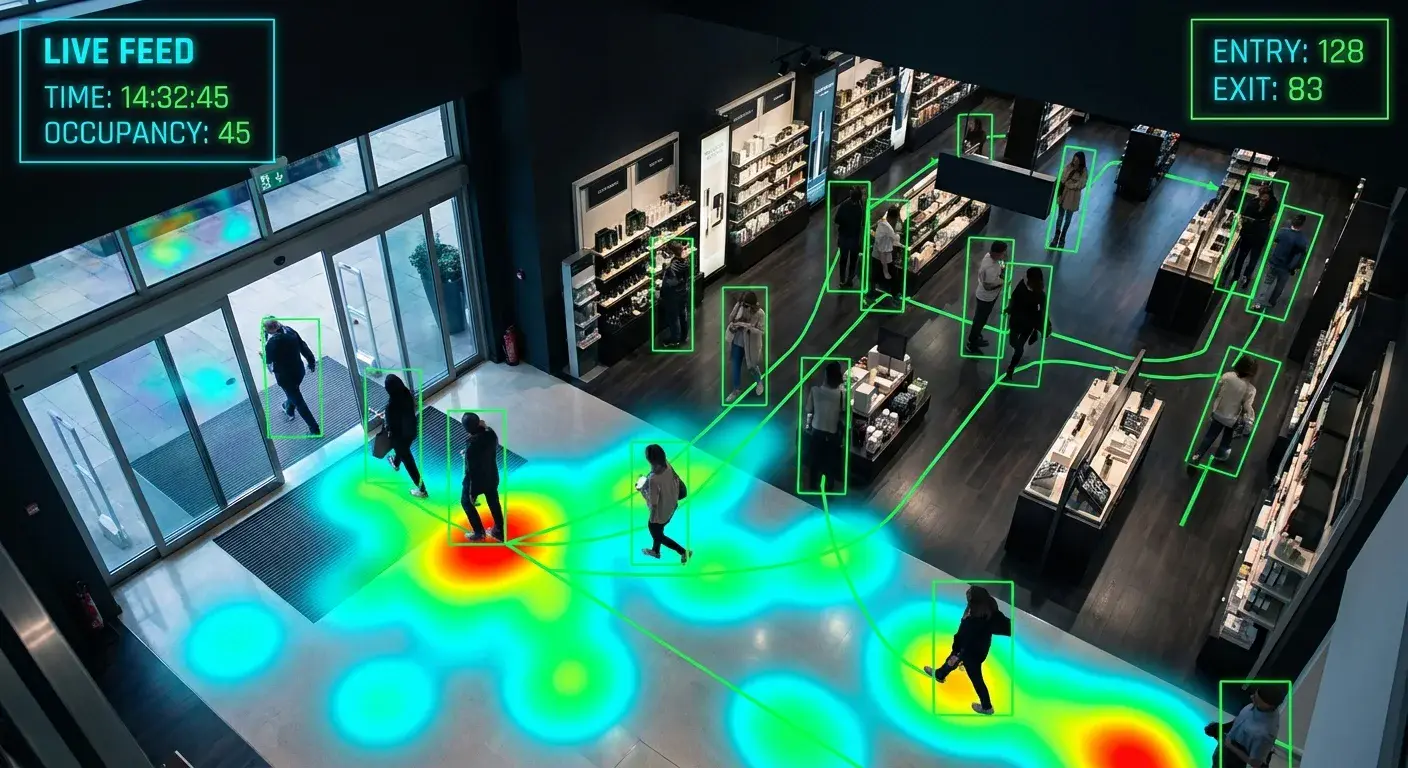
The End of Tally Marks (and the Error That Costs You Every Year) #
Counting products manually is the most absurd bottleneck in modern industry. It's slow, it's boring, and worst of all, it is systematically inaccurate.
A tired operator has an error rate of 2-5%. In a daily production of 10,000 units, that means 200-500 "phantom" products—you don't know if they are in the warehouse, in transit, or never existed.
⚠️ The Real Cost of Manual Error:
- • Customer claims for shortages (loss of contracts)
- • Invisible overstock (unnecessarily tied capital)
- • Man-hours wasted on recounts
- • Logistics decisions based on incorrect data
🚀 Benefits of Computer Vision Counting
- Accuracy: 99% measured against manual counting. Cameras don't get tired, distracted, or have a "bad day".
- Extreme Speed: Up to 60,000 units/hour on high-speed belts (vs 1,200/hour manual).
- Digital Evidence: Timestamped photo of EVERY product counted (goodbye customer claims).
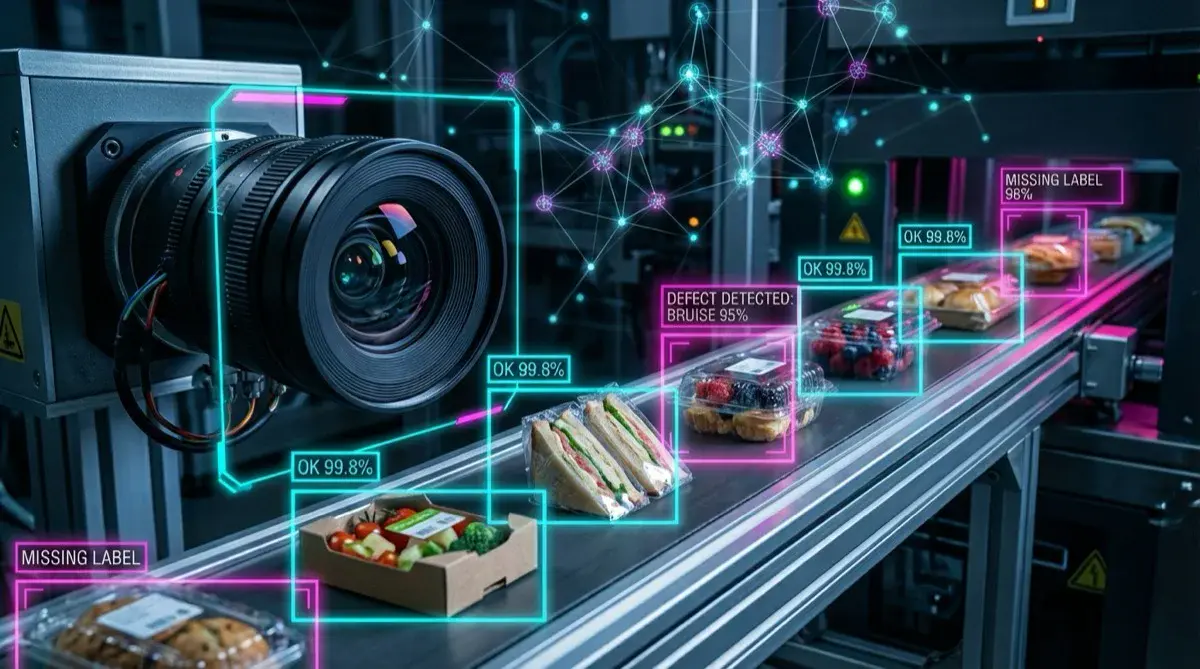
- Multi-function: Beyond counting, it detects defects, incorrect orientation, missing labels.
Computer Vision vs. Traditional Sensors: The Battle #
Before AI, automated counting was done with photoelectric sensors or lasers. The problem: they are "blind".
| Aspect | Photoelectric/Laser Sensor | Computer Vision (AI) |
|---|---|---|
| Accuracy | 85-95% (fails if overlap) | 99% measured against manual counting (detects individual objects) |
| Transparencies | ❌ NO (bottles, plastic film) | ✅ Detects by shape/reflection |
| Stuck Objects | ❌ Counts as 1 (critical error) | ✅ Differentiates 1 vs 2 vs 3 boxes |
| Flexibility | Fixed position, 1 product per sensor | 1 camera = multiple SKUs, retrainable |
| Extra Functions | Only ON/OFF counting | Count + defects + OCR + color + orientation |
| Operating Cost | High (false negatives → losses) | Low (precision eliminates recounts) |
Verdict: Traditional sensors are good for simple applications (1 SKU, opaque objects, uniform spacing). For EVERYTHING else, computer vision is the only solution that works.
How Does AI Counting Work? (Technical Architecture) #
A computer vision counting system has 3 critical components:
1. Image Capture (The Eyes)
Critical Hardware: Industrial cameras with Global Shutter (not Rolling Shutter like cellphones).
- FPS (frames/second): Minimum 30 FPS. For fast belts (>1 m/s): 60-100 FPS
- Resolution: 2MP-5MP (more megapixels ≠ better; sensor and optics are critical)
- Interface: GigE (1Gb ethernet) or USB3 for uncompressed transmission
- Lighting: Stroboscopic LED synchronized with camera (freezes motion without blur)
💡 Installation Tip: Lighting is 80% of success. An inexpensive camera with perfect lighting beats an expensive camera with bad lighting.
Use homogeneous diffuse light (no spotlights creating shadows) and position lights at 45° to the object to minimize reflections.
2. AI Processing (The Brain)
Here is where the magic happens. The most used model is YOLO (You Only Look Once), a convolutional neural network that:
- Receives the raw image from the camera
- Divides it into a grid (e.g., 13×13 cells)
- Each cell predicts:
"Is there an object here? What is it? Where are its edges?" - Filters detections with confidence <70% (noise)
- Applies NMS (Non-Maximum Suppression) to eliminate duplicates
Training: You need 500-2,000 photos of YOUR product in different angles, lighting, and backgrounds. You manually annotate "bounding boxes" and train the model for 12-48 hours on a GPU.
🎯 Available Models (2026)
- YOLOv8 Nano: 6 MB, 80 FPS on an entry-level edge GPU → Ideal for simple counting
- YOLOv8 Small: 22 MB, 45 FPS on a mid-range edge GPU → Balance quality/speed
- YOLOv9: 51 MB, 30 FPS on edge → Max precision for complex QA
Each model is trained on images from the customer's own line. In the Grupo Proa count we measured 99% against manual counting.
3. Edge Computing vs Cloud: Where to Process?
You have 2 architectural options:
☁️ Cloud Processing
Images sent to remote server (AWS/Azure) for processing
Pro: Powerful GPUs, easy scaling
Con: Latency 200-500ms, bandwidth cost, internet dependent
🖥️ Edge Computing (Recommended)
Local processing on industrial mini-PC next to camera
Pro: Latency <20ms, no internet needed, data stays in the plant
Con: Higher initial CAPEX (hardware in the plant)
Our recommendation: 100% Edge for manufacturing. Cloud latency (200-500ms) means a belt at 1 m/s moves product 20-50 cm while you wait for a response. Unacceptable for real-time counting.
5 Typical Applications by Industry (illustrative examples) #
Real case: at Grupo Proa we count production with 19 CCTV cameras that were already installed, with 99% accuracy measured against manual counting and two years in production. The five scenarios below are illustrative.
🥤 Food & Bev: Transparent Bottle Counting
Scenario: Bottling plant
Problem: Laser sensors counted clear glass bottles as "0" (invisible to laser). 4% error in shortages.
Solution: 5MP Camera with backlight (light behind bottle). YOLO detects by silhouette.
Result: counting by silhouette where the laser is blind; the same model can flag missing caps.
🌾 Agro-industry: Sack Counting on Pallets
Scenario: Seed exporter
Problem: Manual sack counting on pallet before dispatch (12 min/pallet × 80 pallets/day = 16 man-hours).
Solution: Overhead camera (top-down). Full pallet view. YOLO counts sacks in 2 seconds.
Result: counting each pallet goes from minutes to seconds, freeing dispatch labor hours.
📦 Logistics: Missing Package Detection
Scenario: Retail distribution center
Problem: Trucks leaving with incomplete orders (forgotten boxes). Client claims, contract loss.
Solution: Camera in dispatch tunnel. Compares AI count vs order manifest. Alerts on mismatch.
Result: shortages are caught before the truck leaves, not in the customer complaint.
🏭 Manufacturing: Multi-SKU Production Control
Scenario: Snack plant (20 different SKUs)
Problem: Changing photoelectric sensors every time SKU changes (30 min downtime).
Solution: 1 camera with multi-class YOLO model. Automatically recognizes all SKUs.
Result: SKU changes no longer require readjusting sensors, removing those adjustment stops.
💊 Pharma: 100% Validation with Photo Evidence
Scenario: Drug manufacturer (FDA regulation)
Problem: FDA requires photo evidence of EVERY lot. Manual photo taking = bottleneck.
Solution: System saves image + timestamp + count of every blister pack. Database searchable by lot.
Result: every batch keeps searchable photo evidence for the audit.
Implementation Guide: What Hardware & Software Do You Need? #
🛠️ Recommended Tech Stack (2026)
Hardware
| Camera | Industrial 5MP GigE camera |
| Lens | 8mm f/1.4 (adjust per distance/FOV) |
| Lighting | 60W Diffuse LED Panel + Controller |
| Edge Computer | Industrial edge computer with GPU |
| Enclosure IP65 | Stainless steel with ventilation |
Software
- ✅ OS: Ubuntu 22.04 (free)
- ✅ Framework: Ultralytics YOLOv8 (open-source)
- ✅ Database: InfluxDB for timeseries + PostgreSQL for metadata (free)
- ✅ Dashboard: Grafana (free) or iGromi MES (native integration)
ROI: When Does It Pay Off? #
It depends on how many manual counting points it replaces, what errors, recounts and claims cost you today, and the integration with your systems. Instead of a generic figure, calculate it with your own plant data.
Troubleshooting: Common Problems & Solutions #
❓ "Accuracy is only 85%, not 99%"
Cause #1: Inconsistent lighting (shadows, reflections). Solution: Diffuse homogeneous light.
Cause #2: Small training dataset (<500 images). Solution: Capture 1,500+ varied photos and retrain.
Cause #3: Products very similar. Solution: Add unique features (e.g., QR code, color band).
❓ "System hangs / processing lag"
Cause: GPU saturated (model too heavy for hardware). Solution: Use YOLOv8-Nano instead of Large, or move to an edge computer with more GPU.
❓ "Works by day but not by night (or vice versa)"
Cause: Variable ambient light affects image. Solution: Closed enclosure with controlled artificial lighting (eliminate natural light).
❓ "How to integrate with my existing MES/ERP?"
Solution: System exposes REST API endpoint /count returning JSON with count + timestamp. Any MES can consume it via HTTP.
FAQ: Technical Frequently Asked Questions #
1. Does it work with irregular products (non-uniform like fruits/vegetables)?
YES. YOLO works excellently with organic shapes. In fact, it was originally trained with people (the most irregular shape possible). Critical: train with 800+ photos of YOUR specific fruit in different angles/ripeness.
2. What happens if product packaging changes?
You need to retrain the model. But it only takes 4-8 hours: capture 200 photos of new packaging, annotate, train overnight. By next day you have the updated model.
3. Can it count semi-transparent objects like plastic film?
Depends. If plastic has visible features (edges, reflection, printed text): YES. If 100% transparent without marks: use backlight or UV lighting to generate artificial contrast.
4. How many cameras do I need for a 10-meter line?
Depends on FOV (Field of View). An 8mm lens camera covers ~2 meters of belt from 1.5m height. For 10 meters you need 5 cameras OR 1 camera on a mobile cart traversing the line.
5. Is it more accurate than weight counting?
YES, especially for products with weight variance (e.g., semi-filled sacks, variable level bottles). Weight counting has ±2-5 unit error in large batches. With vision, 99% measured against manual counting.
6. Does it work in dirty/dusty environments (mining, construction)?
YES, but you need IP65+ enclosure with tempered glass window and compressed air system to clean lens every X minutes (automated). This adds to the initial installation cost.
7. Annual maintenance cost?
Low. Industrial hardware has MTBF (Mean Time Between Failures) of 50,000+ hours (5+ years 24/7). Only maintenance: clean lens monthly (5 mins) and update software (free).
Conclusion: The Future is Autonomous #
Manual product counting is an anachronism. It's the industrial equivalent of using typewriters in the smartphone era.
Computer vision isn't just more accurate—it's qualitatively different. It doesn't just count: it validates, inspects, certifies, and documents. All in milliseconds.
And with open-architecture hardware and open-source models, cost has dropped 10x in 5 years.
Ready to Eliminate Human Error?
Send us a 30-second video of your production line. We'll provide a technical feasibility analysis + budget in 24 hours. Free, no commitment.
📹 See Live Demo 📅 Schedule Technical AnalysisContext: this article is part of the guide to industrial artificial intelligence: what it is, where it works and four production deployments in Chile.
Topics
- automatic product counting
- industrial computer vision
- automated quality control
- box counting camera
- vision ai counting

About the author
Víctor RuzCEO
Automation and Robotics Engineer (Universidad Andrés Bello, 2012). More than twelve years in robotics and industrial automation. Founder and CEO of iGromi, where he connects machines, systems and plant people with secure industrial AI.