IIoT ConnectivityApr 28, 2026
How to Connect a PLC to the Cloud Without Port Forwarding
The secure architecture for sending PLC data to AWS or Azure without exposing your OT network to ransomware: edge gateway, MQTT and outbound-only links.

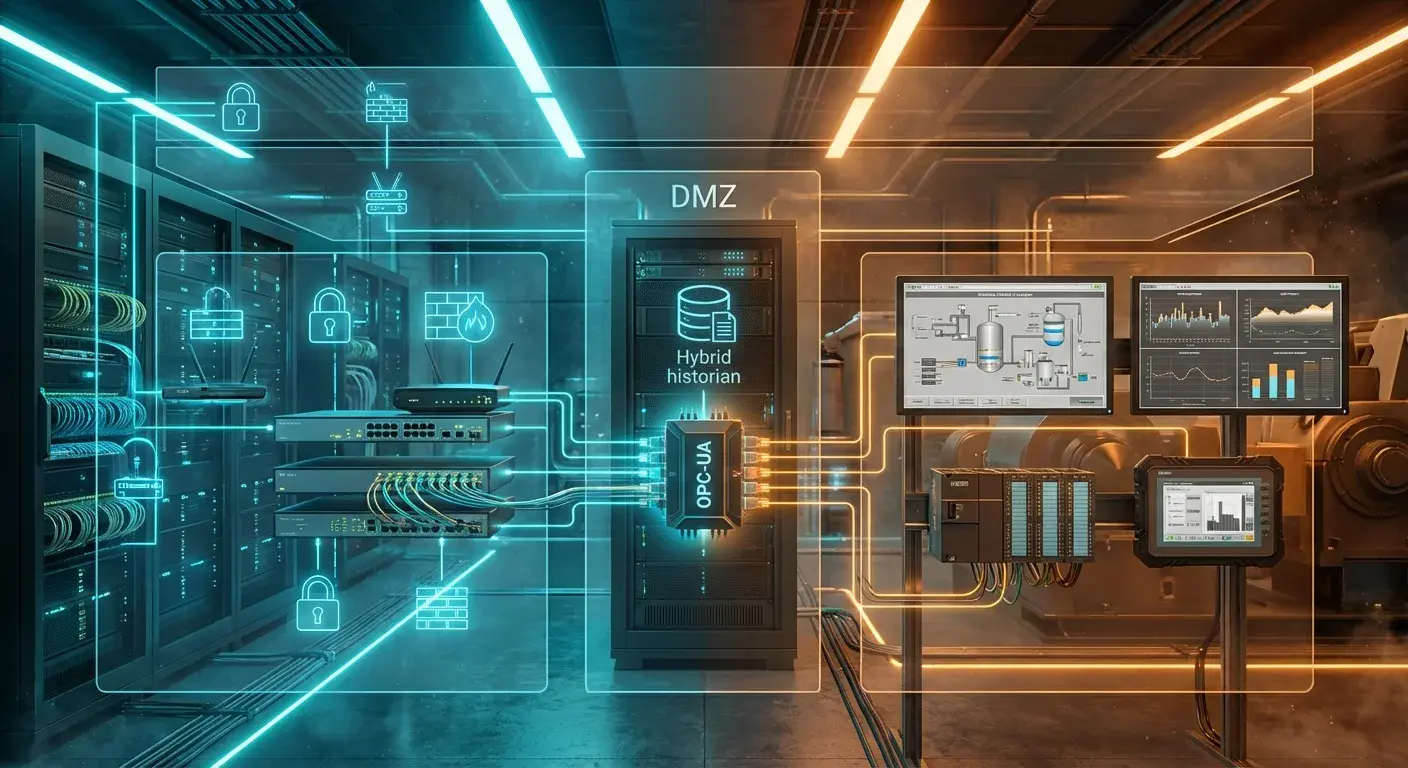
The Dilemma of Moving Plant-Floor Data to the Cloud #
The promise of Industrial IoT is simple: centralize all your machine data in the cloud for global visibility. But when engineers try to connect a traditional PLC (Siemens S7, Allen-Bradley, Omron) to services like AWS or Microsoft Azure, they hit a technical and cybersecurity wall.
PLCs weren't designed for the modern internet. They speak old, unencrypted protocols such as Modbus RTU/TCP or Profinet. Connecting this equipment directly to the plant's internet router is like leaving the bank vault open in the middle of the street.
🚨 The Danger of Port Forwarding
If your IT provider suggests "opening a port" on the router to read the PLC remotely, stop the project immediately. Industrial ransomware attacks scan the internet for open port 502 (Modbus) to hijack control of a factory in seconds.
The Right Architecture: The Edge-to-Cloud Pattern #
To connect a PLC to the cloud securely, you need an intermediate barrier called an Edge Computing gateway. This device acts as a translator and a physical guard (firewall).
Step 1: Local Acquisition (Modbus to MQTT)
The gateway (for example, the iGromi Bridge) connects physically to the PLC through a serial cable (RS-485) or over the plant's isolated LAN. It reads the data passively, in the machine's native language, without touching its program.
Step 2: Translation and Buffering
Inside the gateway, software such as Node-RED or iGromi OS normalizes that raw data and turns it into lightweight JSON packets, ready to travel over the MQTT protocol. If your factory's internet goes down, the gateway stores the data locally (buffer) so you don't lose a single second of production.
Step 3: Outbound-Only Connection
Here's the secret of industrial cybersecurity: the gateway never accepts connections from outside. It is the one that opens a secure connection (TLS 1.2 or a WireGuard VPN tunnel) to the cloud. That way your corporate firewall stays closed to intruders, while the PLC data keeps flowing to your remote server or dashboard.
Why iGromi OS Is the Fastest Way to Get There #
Setting up security certificates, installing an MQTT broker and coding reconnection routines can take weeks of software engineering. With the Zero-Trust architecture of iGromi OS, you plug the cable into the PLC, select the registers in the visual interface, and the system sets up the secure tunnel to the cloud on its own, even running AI algorithms before uploading the data to save on bandwidth.
Topics
- connect plc to cloud
- plc to aws
- plc to azure
- plc mqtt gateway
- port forwarding plc risk
- edge to cloud architecture

About the author
Víctor RuzCEO
Automation and Robotics Engineer (Universidad Andrés Bello, 2012). More than twelve years in robotics and industrial automation. Founder and CEO of iGromi, where he connects machines, systems and plant people with secure industrial AI.
