Industrial ConnectivityNov 1, 2026
What Is an HMI? HMI vs SCADA vs PLC Explained
What an industrial HMI is, what types exist, how it differs from SCADA and from a PLC, and how to design a screen an operator understands in two seconds.
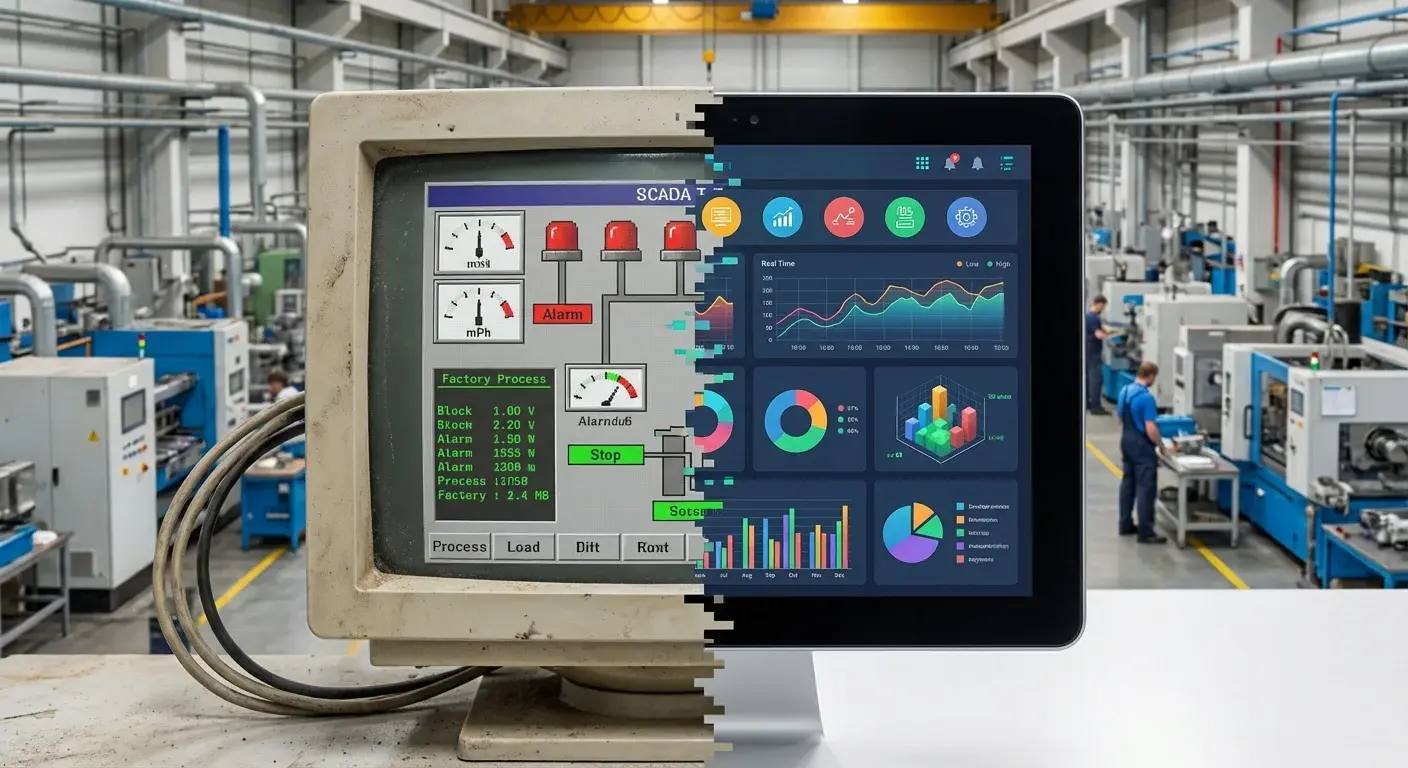
An HMI (human-machine interface) is the screen through which the operator sees what a machine is doing and gives it commands. It shows speeds, temperatures, states and alarms, and lets the operator start, stop or change a setpoint. It controls nothing on its own: the logic lives in the PLC. And it is not a SCADA: SCADA supervises many machines or sites at once. This guide sorts out the three pieces and explains how to design a screen the operator understands in two seconds.
What is an HMI? #
It is the visible layer of control. It reads variables from the PLC (for example, a tunnel's temperature or a motor's status), draws them on a screen and writes back what the operator commands. Its typical functions are four: displaying the process, operating (start, stop, change setpoints), managing alarms and keeping a short event log.
What types of HMI are there? #
| Type | Where it is | When it makes sense |
|---|---|---|
| Operator panel | Touchscreen mounted on the panel or on the machine | One machine or cell; environments with dust, water or vibration |
| HMI on an industrial PC | Computer in the control room or next to the line | Several machines, richer screens, recipes |
| Web HMI | Browser on a tablet, a TV or a phone | Viewing status from somewhere else; ideally read-only |
How do HMI, SCADA and PLC differ? #
| PLC | HMI | SCADA | |
|---|---|---|---|
| What it does | Runs the logic and moves the machine | Displays and sends commands to one machine | Supervises many machines or sites |
| Scope | One machine or process | One machine or cell | One plant or several |
| History | None, or very little | Short | Yes, long-term |
| If it shuts down | The machine stops | The machine keeps running, blind | The machines keep running; supervision is lost |
Above SCADA there is usually the MES, which organizes production by order and lot; the boundary between the two is covered in MES vs SCADA. Full SCADA, with its components, is in what is SCADA, and how to read a PLC from outside in connecting a PLC to the cloud.
How do you design a good HMI screen? #
The ISA-101 standard describes the so-called high-performance HMI. Its ideas are useful even if you do not apply it in full:
- Neutral backgrounds, color for the abnormal. If everything is green and red, nothing stands out. Gray as the base makes an alarm visible immediately.
- Trends, not just numbers. "72 °C" does not tell you whether it is rising or falling. A line showing the last hour does.
- Screen levels. A plant overview, one per area, one per piece of equipment and one for detail. The operator drills down when needed.
- Ranges in view. Showing the value against its normal range saves the operator from having to remember it.
- Few alarms, and meaningful ones. The ISA-18.2 standard covers alarm management: every alarm should call for an action. A screen with a hundred active alarms teaches people to ignore them.
What mistakes are common in an HMI? #
- 3D drawings of the machine that take up the screen and hide the data.
- Command buttons next to navigation buttons, with no confirmation.
- Missing units, or units that differ between screens.
- Alarms nobody has reviewed since commissioning.
- Shared user accounts: there is no record of who changed a setpoint.
How do you take HMI data beyond the machine? #
The HMI sees what is happening on one machine right now; it almost never stores the history or cross-references it with others. For that, the same PLC is read, in read-only mode, from an industrial computer in the plant, which logs each variable with its timestamp and publishes it to dashboards, MES or ERP without touching the control logic. That is how the iGromi edge does it: the operator keeps using their HMI and management sees the same data with history. More on this in industrial edge computing, industrial data logger and Node-RED in industry.
Frequently asked questions #
What is an HMI?
The human-machine interface: the screen through which the operator sees a machine's status and gives it commands.
What is the difference between HMI and SCADA?
The HMI is the screen for one machine or cell; SCADA supervises many machines or sites with history and centralized alarms.
What is the difference between HMI and PLC?
The PLC runs the logic and moves the machine; the HMI only displays and sends commands. If the HMI shuts down, the PLC keeps controlling.
What is a high-performance HMI?
A design style described in ISA-101: neutral backgrounds, color only for abnormal conditions, trends and screens organized in levels.
Can you view the HMI from a phone?
Yes, but those views should be read-only. Commands to the machine should stay at the operator station.
Topics
- what is hmi
- hmi
- hmi vs scada
- hmi vs plc
- human machine interface
- high performance hmi
- isa-101
- hmi design

About the author
Víctor RuzCEO
Automation and Robotics Engineer (Universidad Andrés Bello, 2012). More than twelve years in robotics and industrial automation. Founder and CEO of iGromi, where he connects machines, systems and plant people with secure industrial AI.